

WordPress Hosting Control Panel
for Agencies and Server Operators
Deploy real VPS servers, launch WordPress sites, automate backups, manage PHP versions, and monitor infrastructure from one clean control plane.
Server Overview
Go to Control PanelWhat CWPanel Does
CWPanel helps agencies, developers, and server operators:
Core Features
Built for WordPress operations—not generic shared hosting
Real VPS Provisioning
Provision servers directly from CWPanel with Vultr or DigitalOcean. Automated LEMP stack installation in 10–15 minutes—no manual SSH setup.
Automated WordPress Deployment
One-click WordPress installation with auto-generated databases, Nginx virtual hosts, and isolated PHP-FPM pools. Deploy sites in minutes.
Multi-Provider Backup System
Backup to AWS S3, Wasabi, Backblaze B2, or DigitalOcean Spaces. Full, incremental, and database-only options with one-click restore.
Real-Time Server Monitoring
Live CPU, RAM, disk, and load metrics with historical charts. Get alerts when resources spike or anomalies are detected.
Security and Isolation
Each site runs in complete isolation with dedicated PHP-FPM pools, malware scanning, 2FA, file integrity monitoring, and automated SSL.
Git Deployment Automation
Connect GitHub, GitLab, or Bitbucket. Webhook-triggered deployments—push to your branch and your site updates automatically.
Provision Servers in Minutes, Not Days
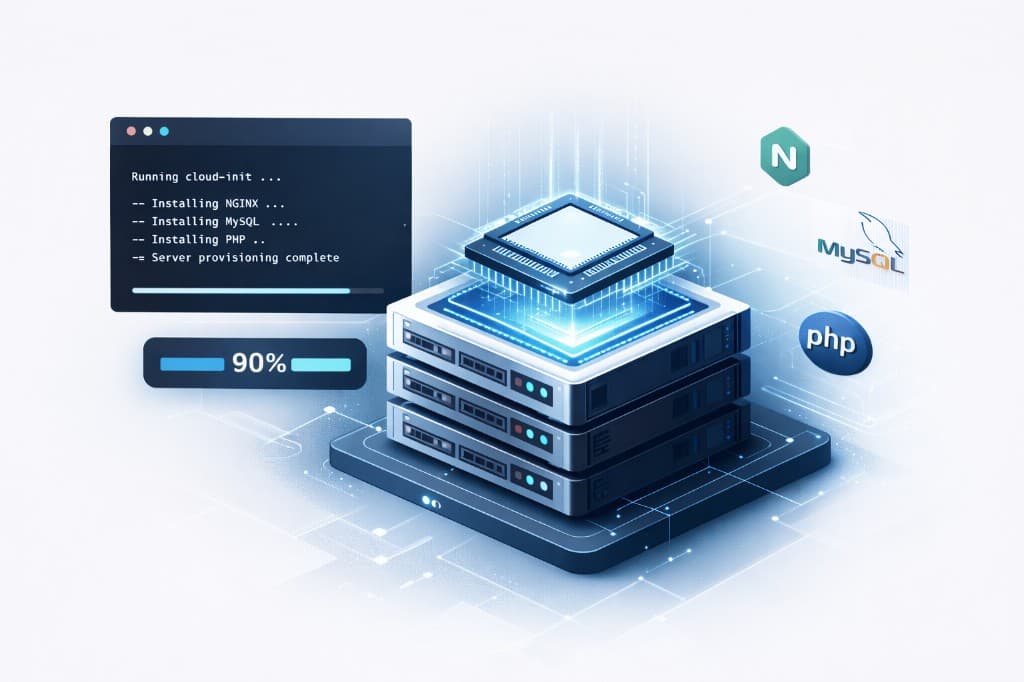
CWPanel integrates directly with Vultr to provision real VPS servers with automated LEMP stack installation. Each server comes pre-configured with Nginx, MySQL 8.0, multiple PHP versions, WP-CLI, Redis caching, and security tools.
Real VPS Provisioning
Deploy servers directly from CWPanel with automated cloud-init scripts that install the complete LEMP stack in 10-15 minutes
Multi-PHP Version Support
Pre-installed PHP 7.4, 8.0, 8.1, 8.2, and 8.3 with isolated PHP-FPM pools per site
SSH User Management
Create and manage SSH users with granular permissions, encrypted credential storage, and audit logging
Real-Time Monitoring
Live server metrics showing CPU, RAM, disk, and load averages with historical charts
Deploy WordPress Sites in Minutes
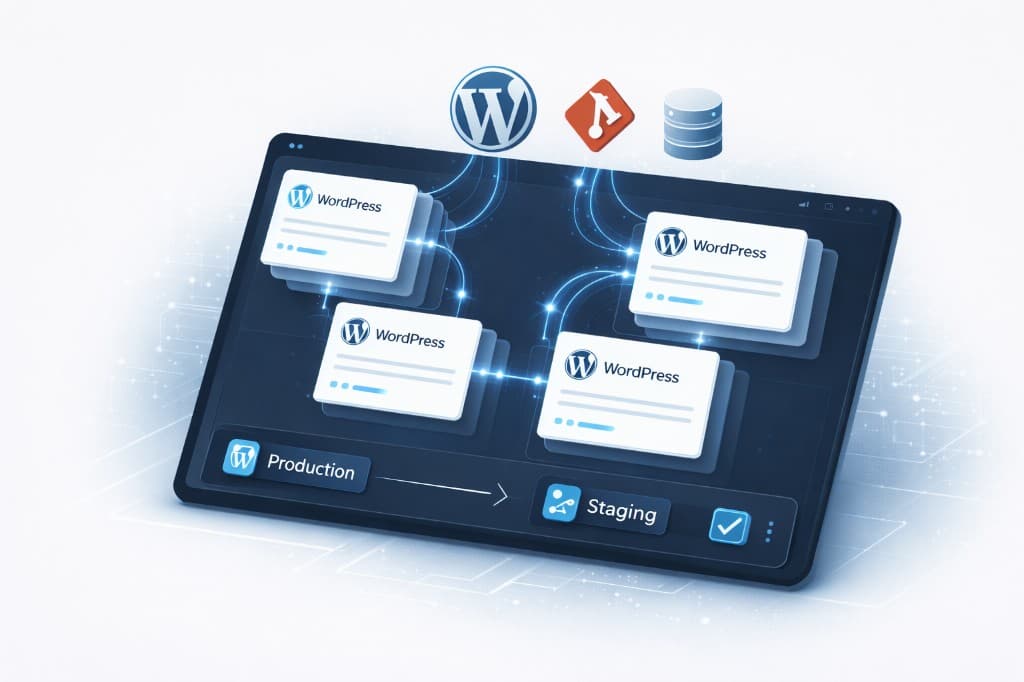
Automated WordPress installation with WP-CLI, one-click site cloning, cross-server migration, and staging environments. Each site runs in complete isolation with dedicated databases and SFTP users.
Automated WordPress Installation
One-click WordPress deployment with auto-generated database credentials and Nginx virtual host setup
Site Cloning & Migration
Clone sites on the same server or migrate to different servers with SSH-based transfer and automatic DNS updates
Staging Environments
Create staging sites with one click, sync changes back to production with database and file synchronization
WordPress Management
Install, update, and manage plugins; update WordPress core; optimize databases—all via WP-CLI integration
Multi-Provider Backup and Recovery
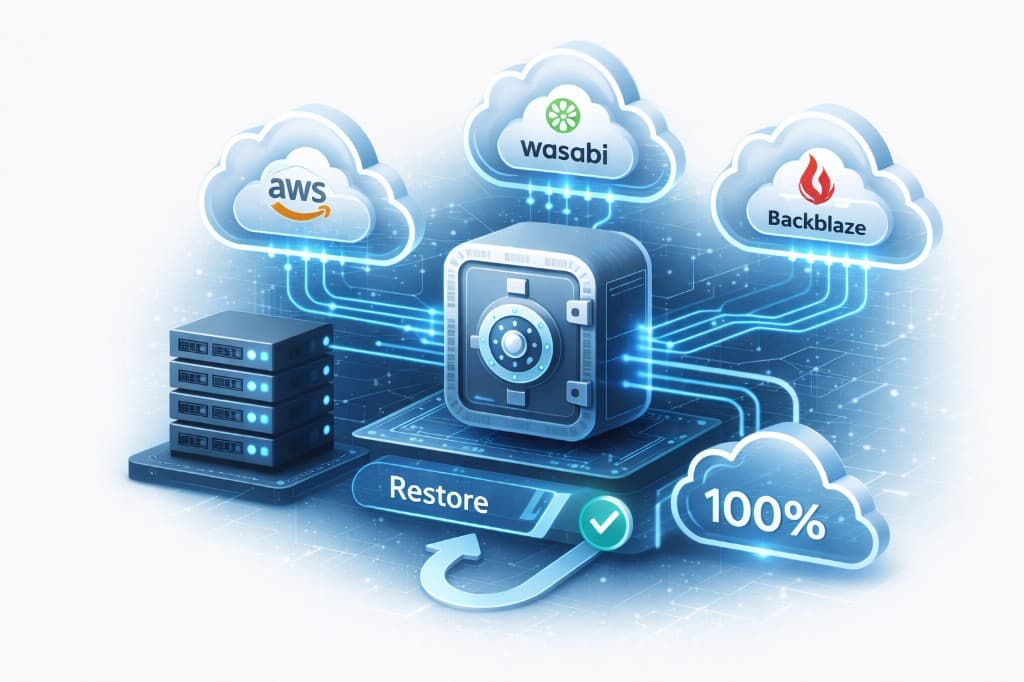
Backup to AWS S3, Wasabi, Backblaze B2, or local storage. Full, incremental, database-only, and files-only options. One-click restore with pre-restore snapshot safety.
Multi-Provider Storage
Backup to AWS S3, Wasabi, Backblaze B2, or local storage with encrypted credentials
Flexible Backup Types
Full backups, incremental backups, database-only, or files-only with configurable retention policies
One-Click Restore
Restore wizard with pre-restore backup creation, validation, progress tracking, and verification
Automated Scheduling
Set hourly, daily, weekly, or monthly backup schedules with automatic cleanup of old backups
How It Works
From infrastructure to live sites—everything in three steps
Connect Your Infrastructure
Link your Vultr or DigitalOcean account. CWPanel uses your credentials to provision and manage servers—no manual API calls.
Provision a Server and Install the Stack
Create a VPS with one click. Our cloud-init script installs Nginx, MySQL, multiple PHP versions, Redis, and WP-CLI in 10–15 minutes.
Launch and Manage WordPress Sites
Deploy WordPress sites from the panel. Manage backups, monitoring, updates, and security—all from one control plane.
Why CWPanel Is Different
Built for WordPress operations and modern VPS workflows—not generic hosting dashboards or legacy control panels.
For WordPress operations
Not generic shared hosting. One control plane for deployments, backups, monitoring, and site management.
For modern VPS workflows
Not outdated panel assumptions. Real server provisioning, isolated sites, and automated tooling.
For agencies and operators
Manage multiple client sites, automate backups, and monitor infrastructure from one dashboard.
Security Built In
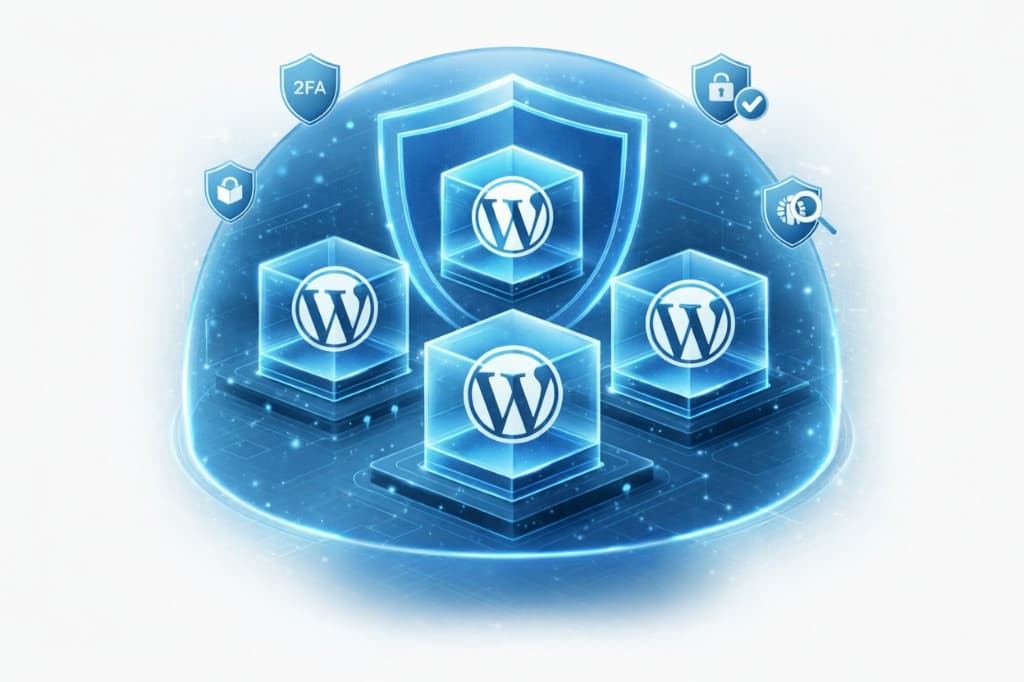
Site isolation, dedicated PHP-FPM pools, malware scanning, 2FA, SSL automation, file integrity monitoring, and audit logging. Operational and production-ready.
Malware Scanning
Integrated malware scanning with 20+ built-in signatures and heuristic rules for detecting backdoors, web shells, and crypto miners
Two-Factor Authentication
TOTP-based 2FA with QR code setup and backup codes for enhanced account security
File Integrity Monitoring
SHA-256 hash tracking for critical files with alerts on unauthorized modifications
Automated SSL Certificates
Let's Encrypt integration with automatic certificate issuance and renewal
Complete Site Isolation
Each site runs with dedicated PHP-FPM pools, MySQL databases, and chroot-restricted SFTP users
Audit Logging
Comprehensive audit trail of all critical operations with IP address and user agent tracking
Who CWPanel Is For
Built for the teams that run WordPress infrastructure
Agencies managing multiple client WordPress sites
Developers deploying WordPress on VPS infrastructure
Technical operators managing backups, monitoring, and scaling
Hosting businesses needing a cleaner control layer
Frequently Asked Questions
Everything you need to know about CWPanel
Run Your WordPress Infrastructure from One Panel
Start provisioning and managing WordPress servers the modern way.